Google Post Views Are Back: What Multi-Location Brands Should Track

For three and a half years, every Google post your branches published went out with no way of knowing whether anyone saw it. That just changed.
1. What Google Just Switched Back On
Google introduced Google Posts Reporting in its September 2026 Small Business Bulletin. Every post card in the Posts section of your Business Profile dashboard now shows how many times local customers viewed that post.
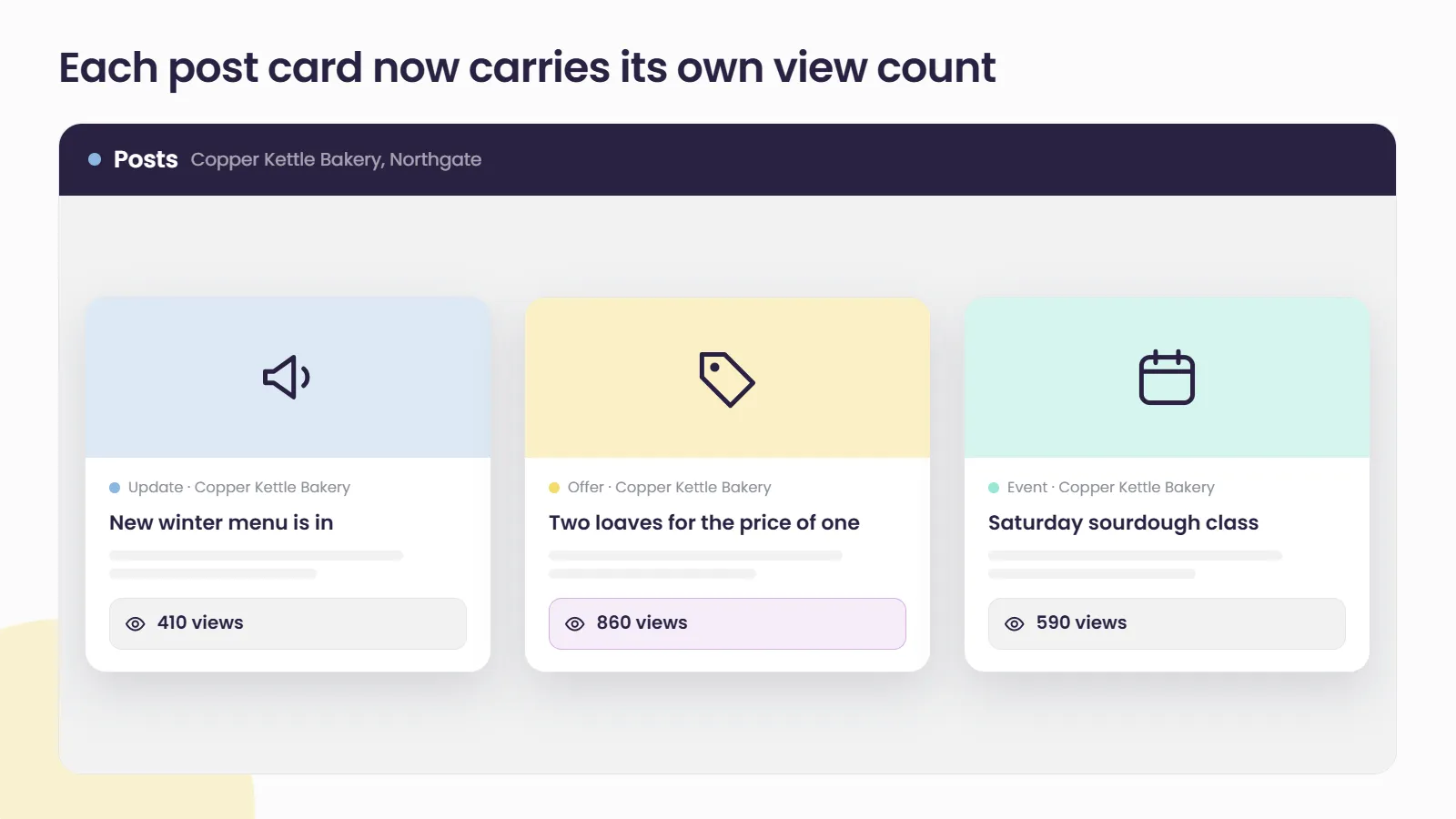
The reporting covers three things:
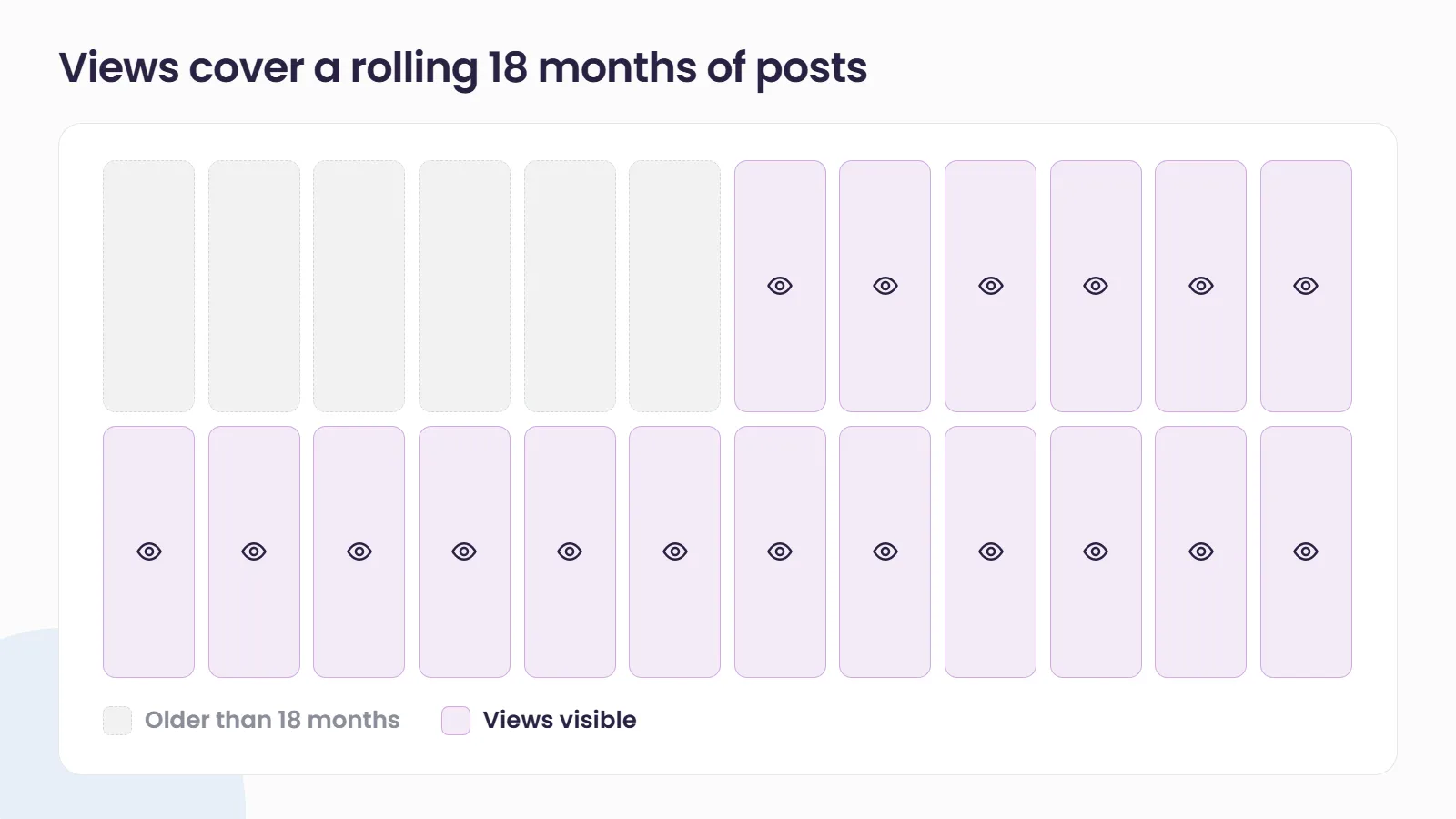
- A rolling 18-month window. You can see views for posts published over the past 18 months, not just new ones.
- Every post type. Updates, offers and events are all included.
- Search and Maps combined. Views from both surfaces roll into a single number per post.
Google says the feature is rolling out globally and is not yet available through the API.
To check it, sign in to your Business Profile, open Posts, and look for the view count on each post card. Google’s help page on creating and managing posts covers the basics of the Posts section.
2. Why This Is a Return, Not a Launch
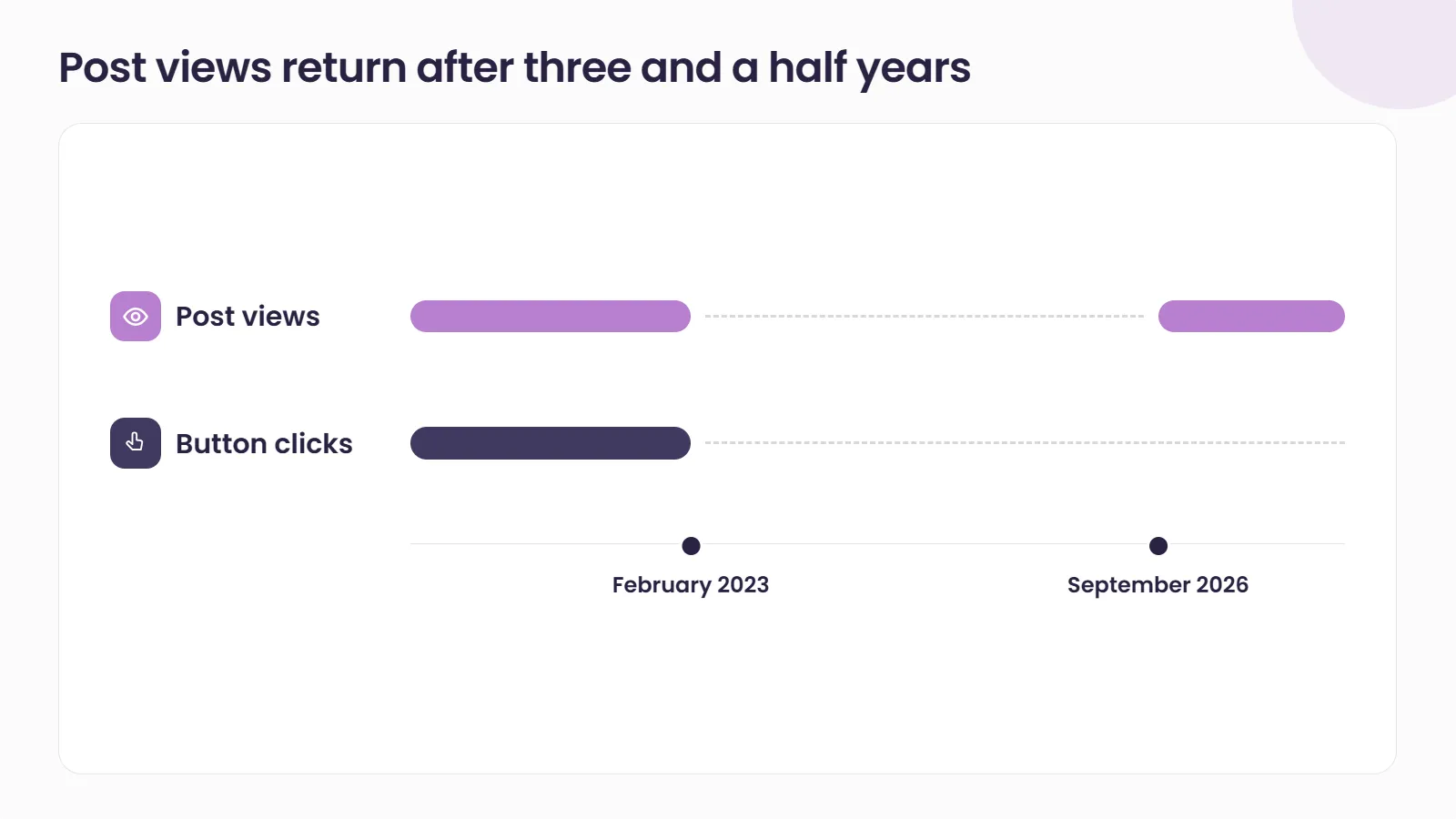
Post-level reporting isn’t new. Google retired post views and post button clicks in February 2023, and its API deprecation schedule listed no replacement.
Since then, posting has been an act of faith. Some brands kept going because it was best practice. Others quietly stopped, because nobody could show a franchisee or a regional manager that posts were being seen at all.
The new reporting brings back one half of what was lost. It covers views. The announcement does not mention clicks.
3. What a View Count Can and Can’t Tell You
A view tells you a post was seen. It does not tell you whether anyone called, booked or walked through the door.
There are a few gaps worth keeping in mind:
- No published definition. Google’s announcement does not define how a view is counted, so you can’t assume 500 views means 500 different people.
- One blended number. Search and Maps are combined, so you can’t tell which surface drove the attention.
- The window moves. Data covers a rolling 18 months, so older posts drop out over time.
The practical answer is to treat post views as a reach signal, partly because visibility numbers alone can mislead. They are most useful for comparing your posts against each other, not as proof of revenue.
4. The Multi-Location Catch: Every Number Lives on Its Own Card
For a single shop, checking post views takes a minute. For a brand with 80 branches, it means 80 dashboards, read one post card at a time.
Because post views are not in the API, no reporting platform can pull them automatically yet, including ours. Until Google opens that up, a network-wide view of post performance means collecting the numbers by hand.
That makes it worth being deliberate. Pick a representative sample of locations: a few high performers, a few strugglers, and a mix of city and regional branches. Track those consistently, rather than trying to audit everything once and never again.
5. How to Put Post Views to Work Across Your Locations
- Audit before the window rolls. Eighteen months of history is visible right now. Record your strongest and weakest posts by type for your sample locations while the data is still there.
- Compare like with like. Set offers against offers and events against events, from the same weeks and similar locations. A national campaign posted to every branch on the same day is the fairest test you’ll get.
- Pair views with outcomes you can measure. Start tagging post buttons so visits show up in analytics. Views tell you what was seen, and tagged links tell you what was acted on.
- Feed the results back into the calendar. If event posts consistently out-draw general updates at your regional branches, plan for more of them there.
How Social Places Helps Multi-Location Brands Get More From Google Posts
A post can only convert if the profile it sits on is right. Social Places Listings keeps names, hours, categories and attributes consistent across every location, so customers drawn in by a post find accurate details when they’re ready to act. If you’d like help building a posting and reporting rhythm that works across your whole network, talk to our team.
Related reading
- Google Business Profile Is Sending You Visits You Can’t See: how to track the website visits that post views leave out.
- The Impression Recession: Why Visibility Metrics Stopped Telling the Truth: why views on their own are a weak stand-in for results.
Frequently asked questions
Where do I see views on my Google posts?
Sign in to your Google Business Profile and select Posts from the dashboard menu. Each post card shows how many times it was viewed. Google says the feature is still rolling out globally, so some profiles may not see it yet.
Do Google post views include Google Maps?
Yes. The view count combines views from Google Search and Google Maps into one number per post. You can't currently split it by surface.
Can I see clicks on my Google posts again?
Google's announcement covers views only and does not mention clicks. To measure action, add tagged links to your post buttons so post traffic shows up in your website analytics.
Can I pull post views into one report for all my locations?
Not automatically yet. Google says post views aren't available through the API, so for now they have to be collected from each profile by hand. Tracking a representative sample of locations keeps that manageable.